
Wigglypaint: Free Online Lively Drawing Tool
What is Wigglypaint?
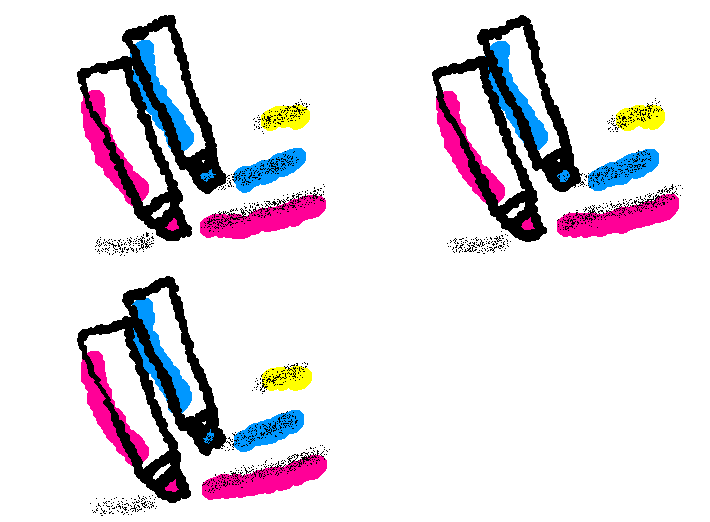
Wigglypaint is a free online drawing tool that lets you fully unleash your imagination and artistic skills to create lively and vivid drawings and doodles. You can export your creations as animated GIFs and freely share them on social media or your personal website.
Wigglypaint offers 8 unique brushes, each with different thickness, effects, and colors. Every stroke produces a distinct sound effect, and the lines you draw wiggle with life. The interface also provides an eraser, a one-click clear button, and undo options, allowing you to immerse yourself in the creative process.
What are people drawing?
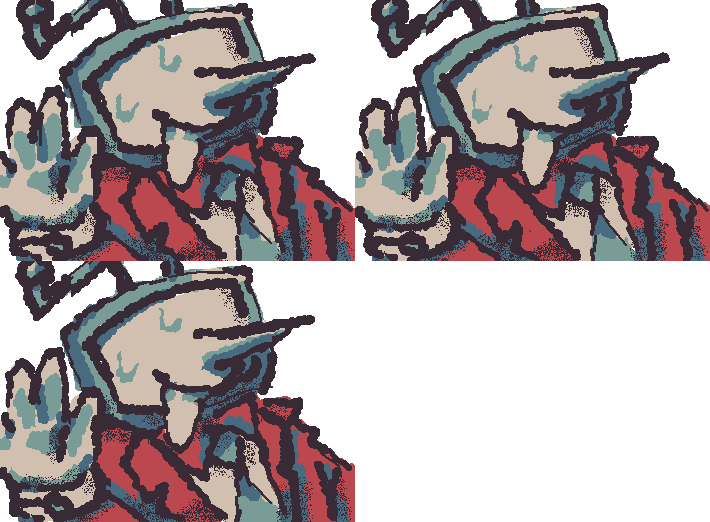
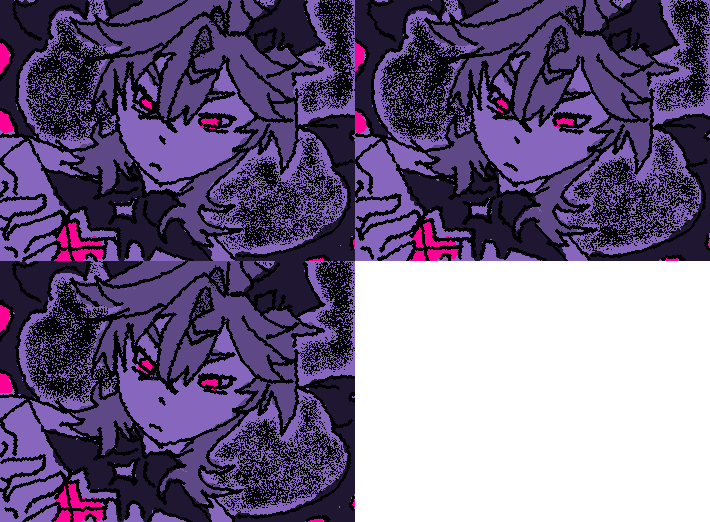
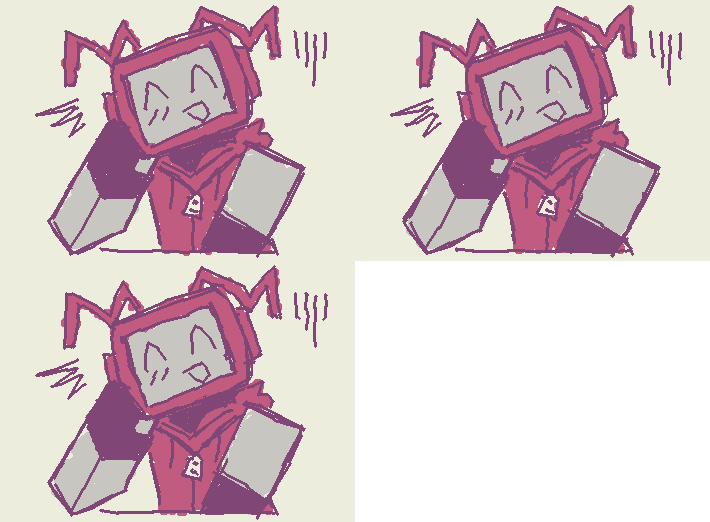
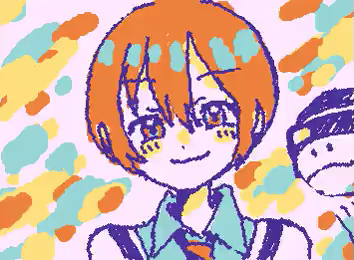
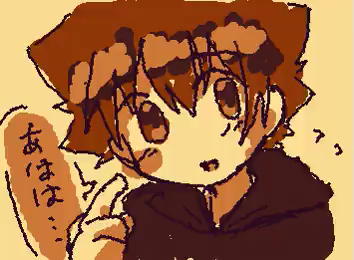
Don’t know what to draw first? Let’s take a look at the excellent works everyone has created with Wigglypaint on our community and social media!
Wiggly Art in Our Community
Wiggle Art on X

How to Use Wigglypaint?
On the right side of the drawing tool, you’ll find different brushes. Click to select one and start drawing on the whiteboard. Try out each brush to see the various effects they offer.
At the bottom right, you’ll find the eraser and the one-click clear button. Use them to erase parts of your drawing or clear the entire canvas as needed.
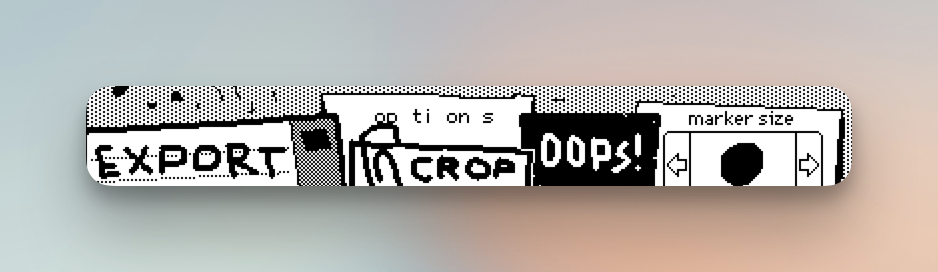
Below the drawing area are several function buttons:
- EXPORT: Export your artwork as a GIF, preserving the wiggly line animation for a unique effect.
- CROP: Adjust the size of your drawing to your satisfaction.
- OPTIONS: Set the drawing background, choose from preset palettes, or customize specific colors.
- OOPS: Undo your last action or return to the current step.
- marker size: Adjust the size of the brush tip.
Advanced Toolbar
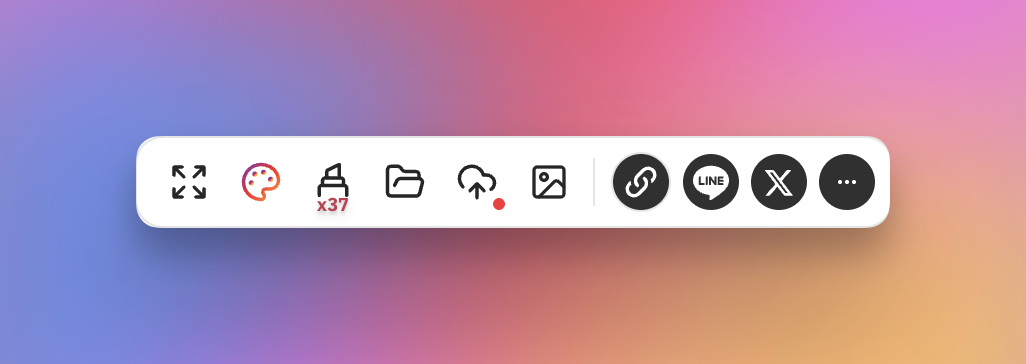
Starting from the end of 2025, we have introduced an advanced toolbar above the drawing panel, designed to further help creators perfect their wiggle drawing workflow. The specific features include:
- Fullscreen Button: Click to set the drawing panel to fullscreen mode for a more immersive creative experience and enter a flow state.
- Advanced Palette: It includes a custom palette and dozens of advanced preset palettes. Creators can not only set their own exclusive colors but also use popular preset palettes. More importantly, we provide the ability to save palettes to the cloud for seamless cross-device use.
- Advanced Markers: The tool offers 11 additional color markers and 26 texture markers, each featuring an independent color slider and HEX input. With the 3 basic markers, the total of 40 markers allows creators to break free from the constraints of a limited palette.
- Project List: All drawing projects saved to the cloud by creators are listed here, which can be clicked to load locally and continue creating.
- Save to Cloud Button: Provides one-click saving of the current project to the cloud. You can save and update multiple times during the creative process, completely solving the problem of work loss due to sudden device power failure or page closure, and also supports seamless cross-device access.
- Explore Community Button: Allows creators to browse the community artwork list on the current page, not only to spark creative inspiration but also to immediately upload current artwork to the community to exchange ideas and experiences with everyone.
Why Use Wigglypaint?
Most online drawing tools only let you create static images, but every stroke in Wigglypaint brings your lines to life. Your final artwork can truly move, and you can export it as a GIF to share your lively creativity with friends and family. Moreover, we have expanded from the original 3 markers to an additional 11 colorful markers and 26 texture markers, completely helping creators break through the color limitation.
Additionally, Wigglypaint is fully compatible with all types of screens, providing a complete drawing interface on PC computers, tablets, and mobile phones, offering everyone a seamless and high-quality experience.
Last but not least, since December 2025, you are no longer creating alone. We invite you to join the Wigglypaint Art Community, where you can publish your artwork, discover new favorites, and spark inspiration by engaging with other creators in the comments.
Frequently Asked Questions
How can I export my work?
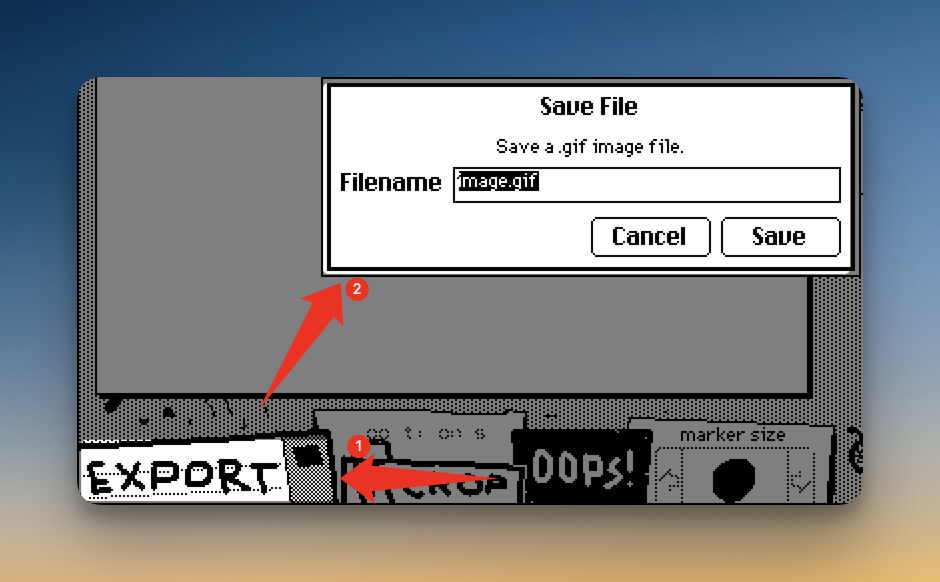
There is an “EXPORT” button at the bottom of the Wigglypaint drawing tool. Click it and enter the file name you want to save, making sure to keep the “.gif” file extension. Then click the “save” button to download and save your work.
If you have any other questions about using Wigglypaint, you can read How to use Wigglypaint?.
How do I choose the best colors for my artwork?
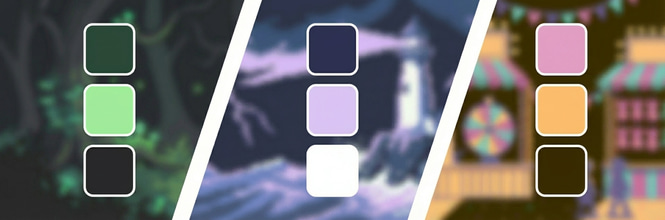
Great color choices can make your animation truly stand out. If you want to learn how to mix and match like a pro, check out our guide on Wigglypaint color palettes.
How was Wigglypaint developed?
Wigglypaint is a lively drawing program developed by Internet Janitor using Decker technology. It shares notable similarities with Shake Art and KidPix. You can visit here for more details.
What devices can I use Wigglypaint on?
Wigglypaint is a web-based application, so you can use it on PC, mobile, or tablet—just visit the link to get started.
How many times can I use Wigglypaint for free?
Wigglypaint is free to use with no limits on usage or GIF exports.
How does Wigglypaint protect my privacy?
All your drawings and doodles in Wigglypaint are never uploaded to any server. You don’t need to log in, and no personal data is collected during use.
Are there any other recommended art and creative tools?
Of course! In Free Online Creative Tools, we continuously collect a variety of fun, useful, and free art tools, such as the following:
- Wplace Paint Tool: The best wplace image converter for alliance collaboration and pixel art creation.
- Kidpix: Create colorful and creative drawings and doodles
Please feel free to discover, explore, and share!
Loading...